Main Server
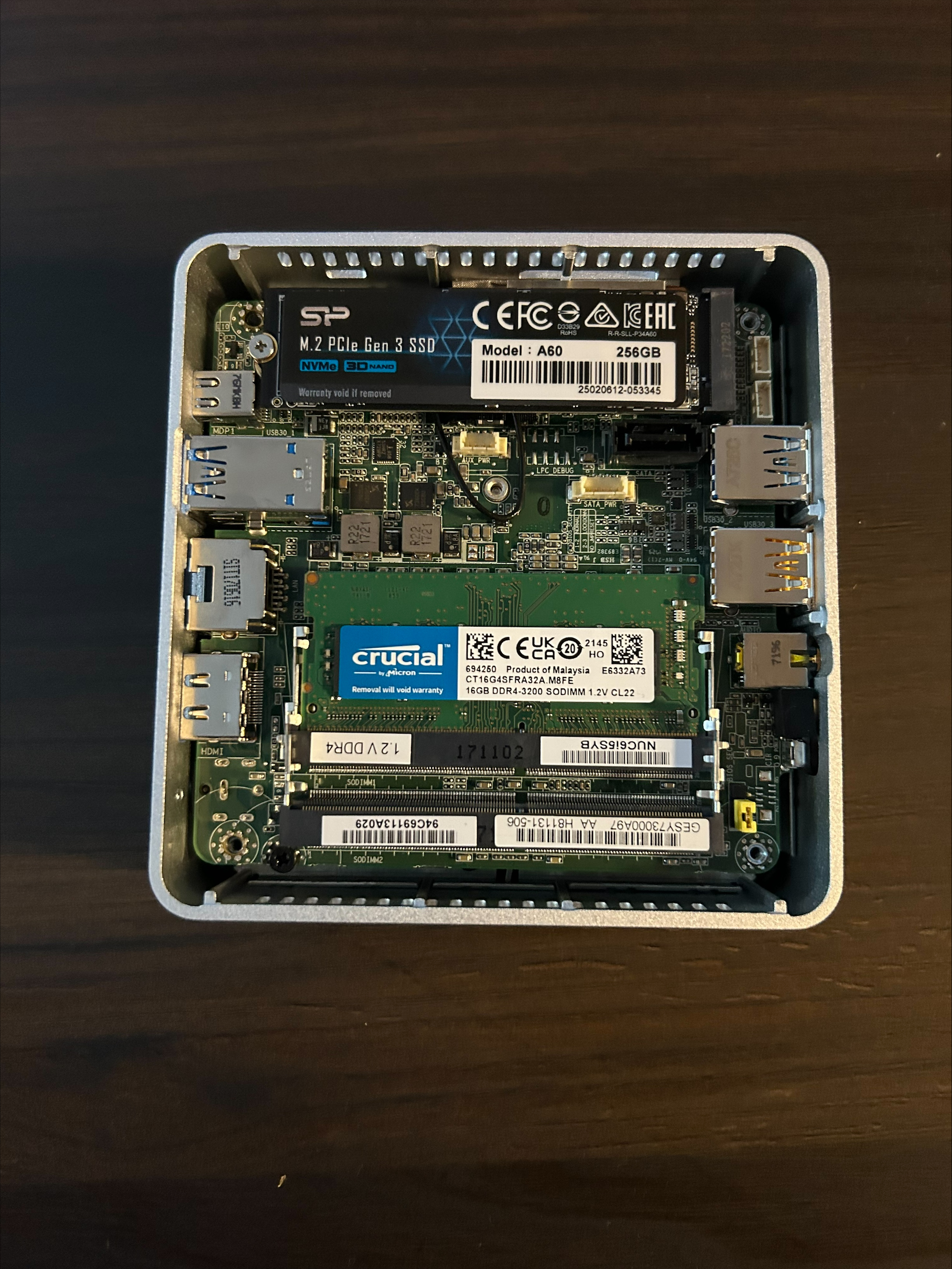
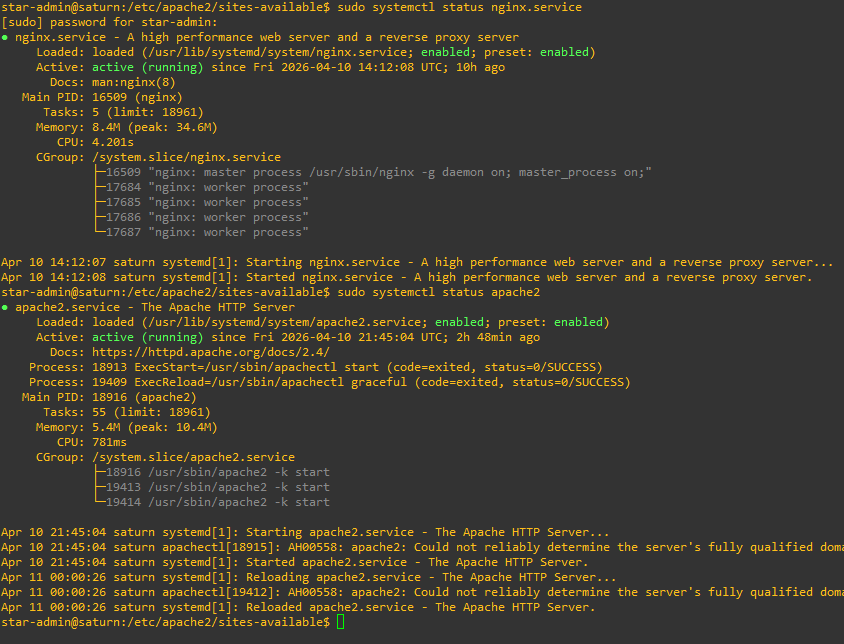
This new server features new hardware and I've implemented more features. The way you connect to this server is not by being serviced by Apache2. In fact, Apache2 is on a differnt port entirely. You are actually being served by Nginx which is acting as a reverse proxy. One of the biggest issues with my previous server was that all of my websites were actually exposed to the internet. The reverse proxy ensures that only the ones I explicitly configure to be exposed to the internet are exposed and internal servers remain internal. This change alone already makes this server far more secure.
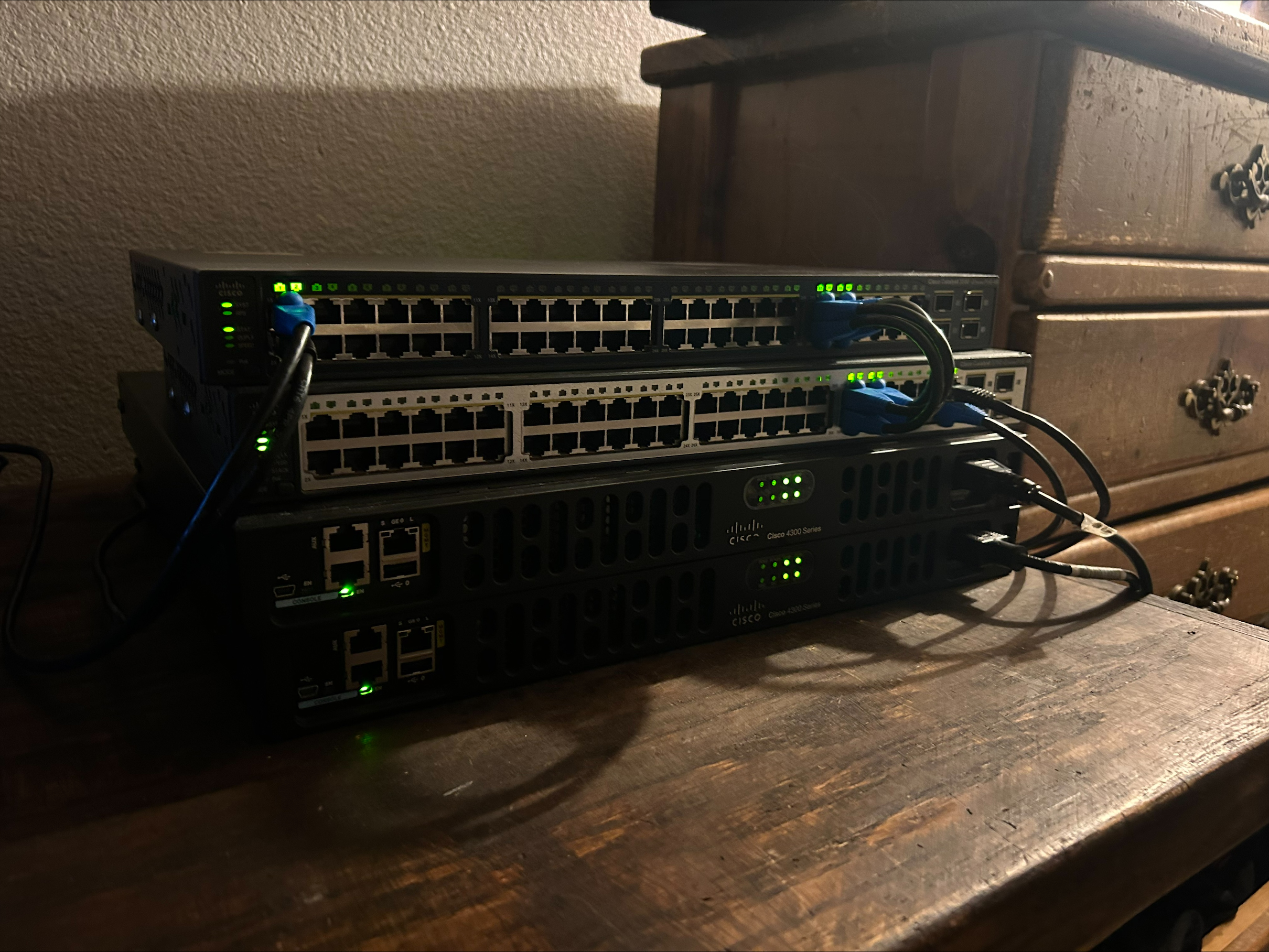
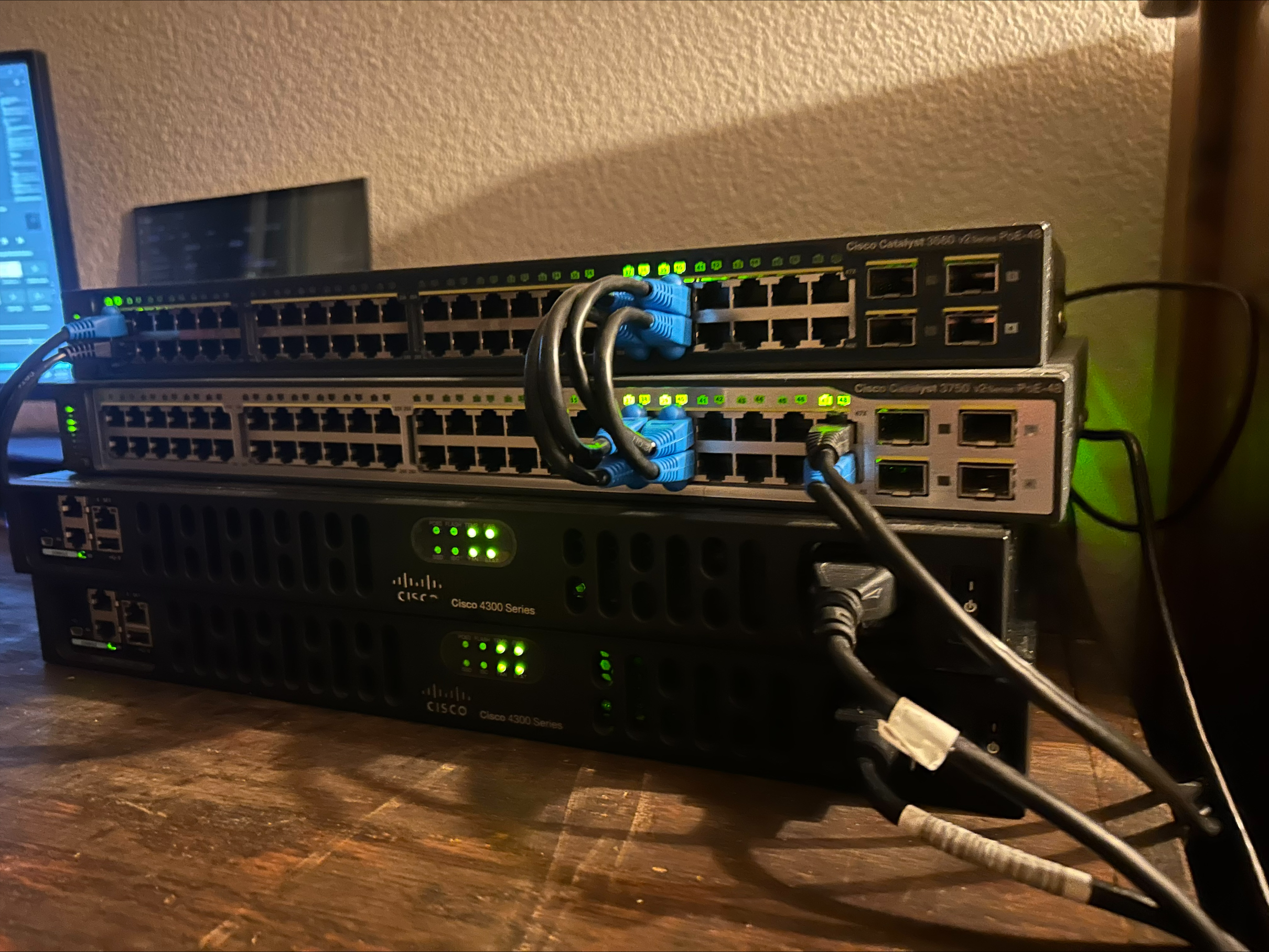
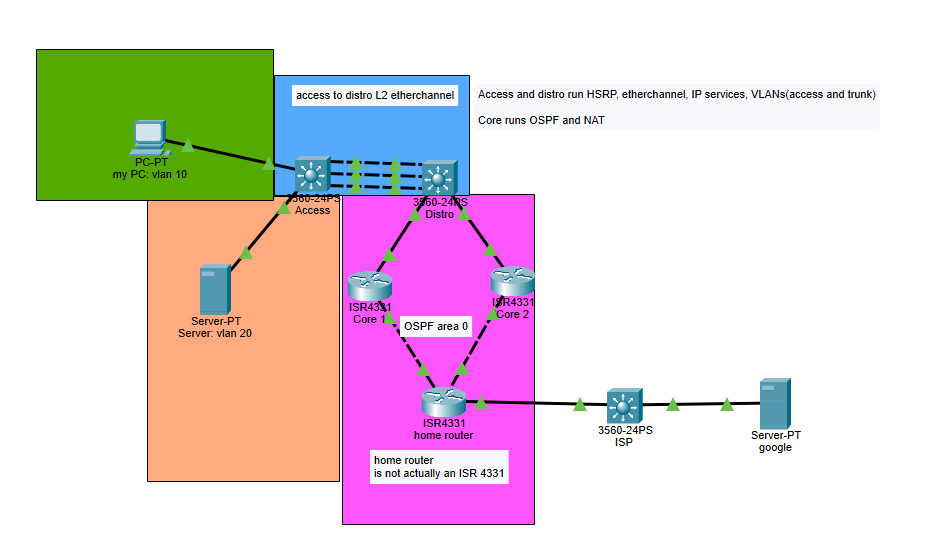
The images on the right shows off proof of work.
This server hosts this website you are on now. I had a previous version of this website but it had several issues. It was only running raw Apache2. This means there was no encryption. It was overall pretty barebones, with no notable features.
On the topic of security and as previously mentioned, the previous server was only running pure Apache2. This means it only ran HTTP. This protocol has no security at all, its completely plaintext. I provided a wireshark packet capture to demonstrate that you can just see the raw HTML inside the HTTP packet. Whats interesting, is that when you take a packet capture of the same thing but in HTTPS there is significantly more traffic. This means that an increase in security means an increase in processing power, which is of course a worthy trade off. By having HTTPS, I have reduced the attack surface on my server.
When it comes to uploading files on to here, I have opted for SambaShare. This uses the SMB protocol, which has its flaws but is great for my purposes. The other option was use FTP, but I choose not to because I like how well SMB can stream video. The flaws with SMB mainly stem from how insecure it is. Its fairly chatty, giving an ACK message after every received packet. This gives it quite a bit of overhead that becomes a major issue over the internet, but of course, this server runs on a small network so its not a very big deal. This chattiness does have some secuirty concerns though, so I have configured SambaShare to only allow certain hosts in order to reduce its attack surface.
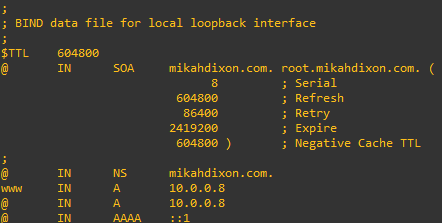
The last technology I implemented on this server was DNS. This is by far my favorite feature. DNS gives me a way to access the server and any websites and resources via a domain name. I can create any internal website name. This is done by simply using Bind9 DNS. Of course, you as the user of this site do not use this service, you are using a public DNS. This implementation is purely internal.
To summarize all configured implementations:
- HTTP implementation via Apache2
- Reverse proxy implementation via Nginx
- HTTPS implementation via certbot
- SMB local implementation via Samba Share
- DNS implementation via Bind9